Add to Wishlist
- Click the video below.
-
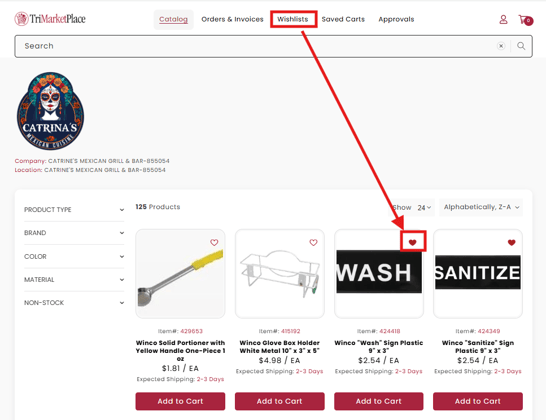
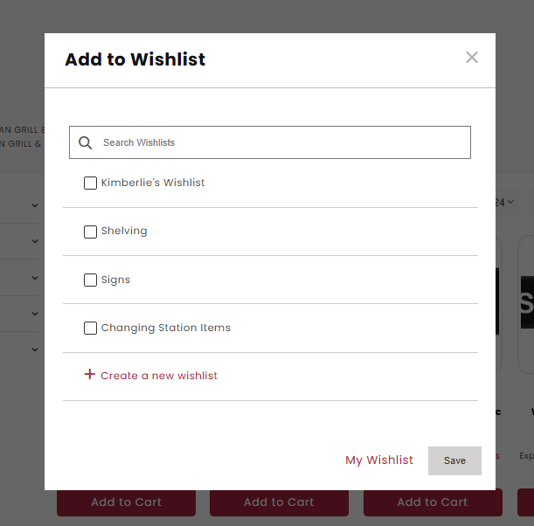
To add items to a Wishlist, simply click on the "heart" icon on a product and save to a list, or create a new list.
-
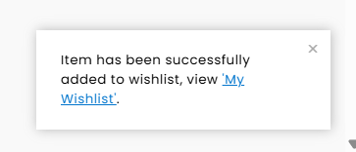
A confirmation notification will appear in the lower right corner after item is added to the Wishlist.
-
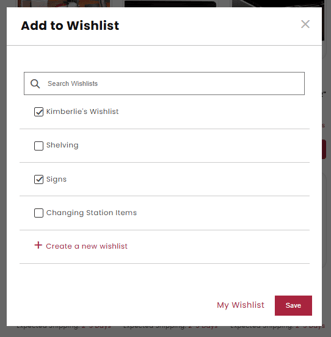
To add items to multiple Wishlists, select all Wishlists you wish to add that item to.
Create a new Wishlist
-
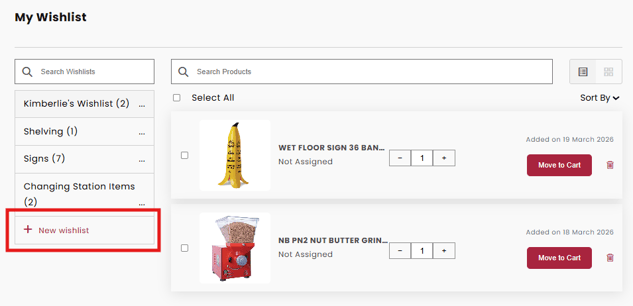
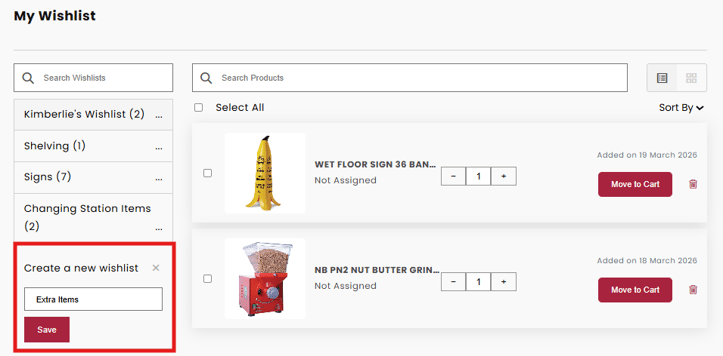
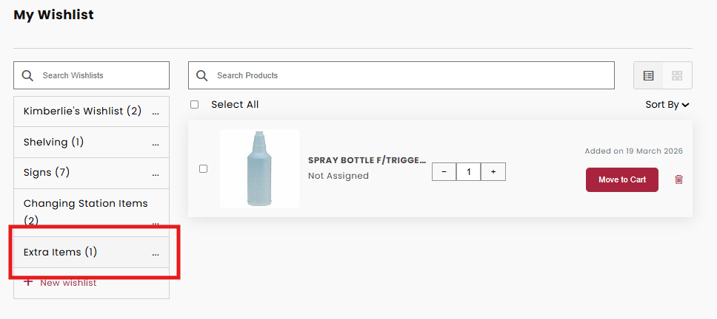
To create a new Wishlist, click on +New Wishlist.