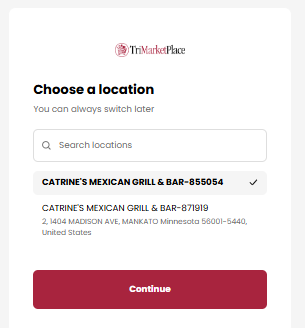
Logging In For The First Time:
-
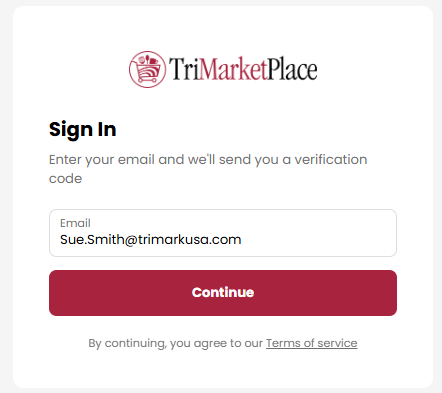
To log in to TriMarketPlace, type your email address into the address bar.
-
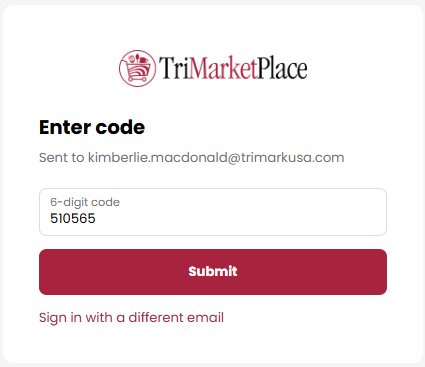
Click Continue to receive a one-time passcode at your email address (this may take up to 2 minutes). Enter the 6-digit code you receive, then click Submit.
-
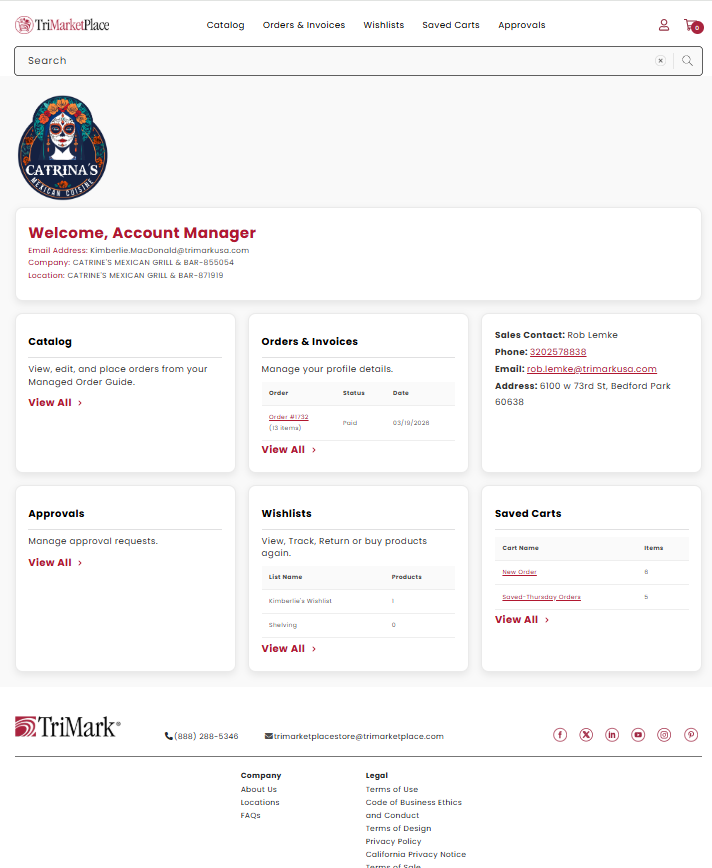
After your login is verified, you'll be directed to the Welcome page.
Multiple Location Log-In
-
Follow log-in process above.
-
If you have multiple locations, you’ll be prompted to select your location before entering the Welcome page. You can update your location anytime by clicking the My Account link in the top right corner.