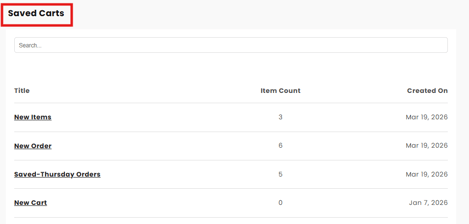
How to Save a Cart
- Click the video below.
-
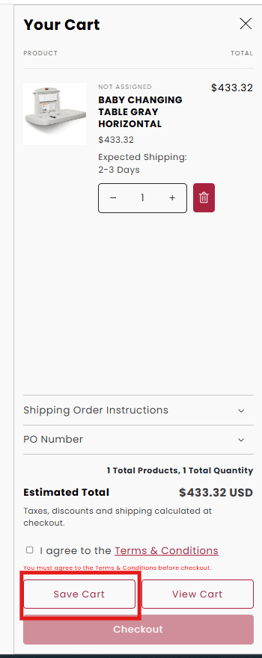
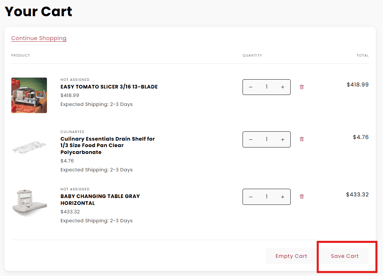
Once items are saved to the cart, you can save by either using the mini-cart fly out menu, or the full cart.
-
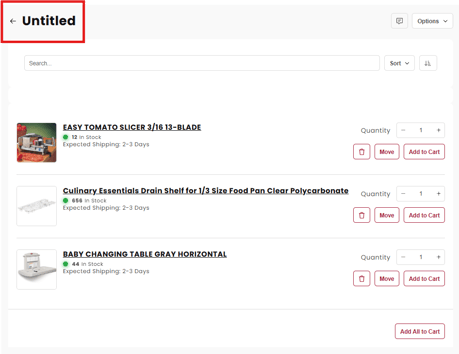
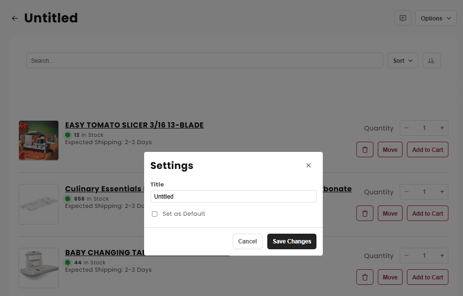
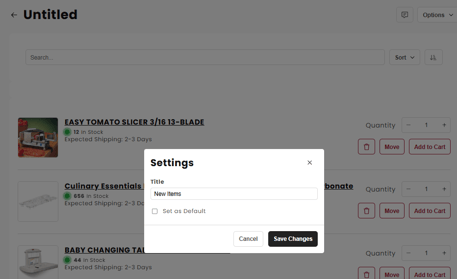
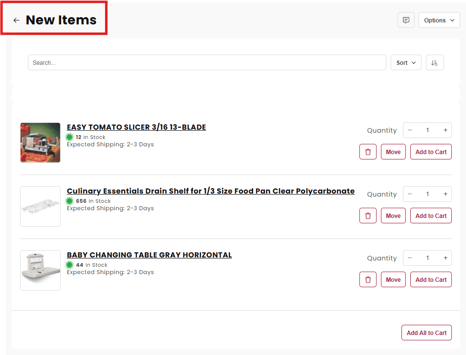
When you click the Save Cart button, you will go to the Save Cart page where you can name your new saved cart. Click on "Untitled" to rename.