How to find a specific product:
-
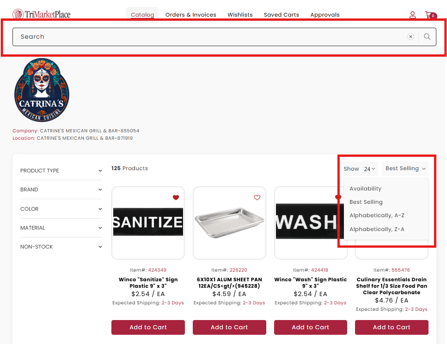
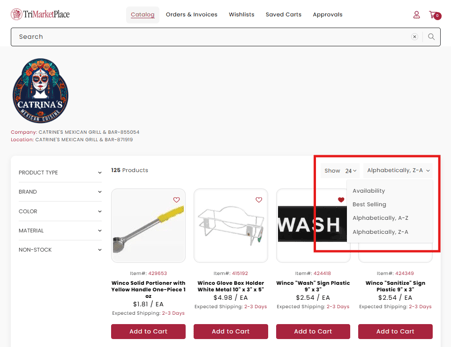
Once in Catalog, you will find all your products. You can search for a specific product by using the search bar on top. You can sort products by using the dropdown menu on the right side.
Adding items to Shopping Cart
-
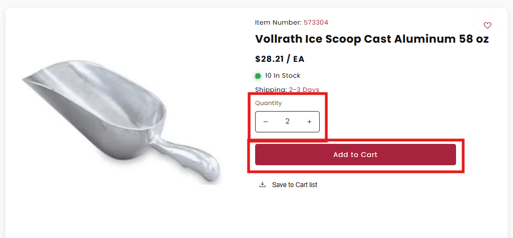
Navigate to the desired product's detail page. You will see quantity to select your quantity, then click the Add to Cart button.
-
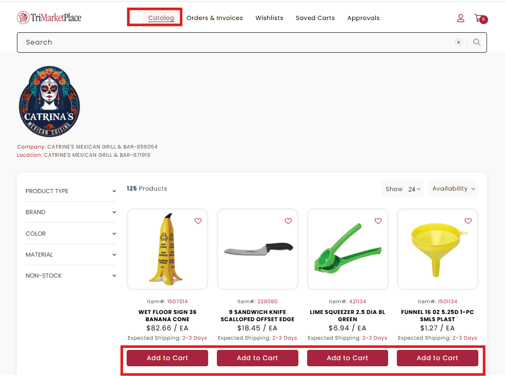
Navigate to the Catalog from your dashboard to see the items available for you to purchase. Click Add to Cart to add to Shopping Cart.
- Click the video below.